How to turn on/off Instagram likes counter
Instagram gives you the power to choose whether you want the number of likes on your posts to be visible. This flexibility lets you personalize your experience and focus on what matters most to you—whether that’s showcasing your creativity without distraction or celebrating engagement with your audience. Managing like visibility is a simple process, and it can be adjusted at any time. Whether you’re sharing new content or revisiting older posts, here’s a straightforward guide to get you started
Contents
For New Posts:
Step 1 – Start Your Post: Tap the “+” button to upload a photo or video.


Step 2 – Go to Advanced Settings: When you get to the screen where you add captions and tags, scroll to the bottom and tap Advanced Settings.

Step 3 – Hide or Show Like Counts: Flip the switch next to “Hide like and view counts on this post”:
- Turn it on to hide the counts.
- Leave it off if you’re okay with showing them.

Step 4 – Post It: Once you’ve set your preference, hit Share to publish your post.
For Posts You’ve Already Shared:
Step 1 – Find the Post: Go to your profile and open the post you want to update.
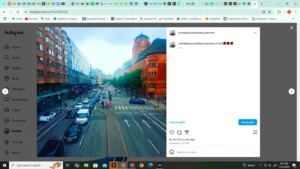
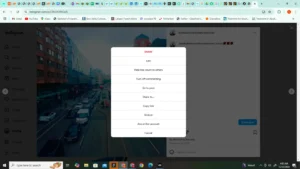
Step 2 – Open the Options Menu: Tap the three dots in the top-right corner of the post

Step 3 – Update the Like Visibility: Choose “Hide like count” or “Unhide like count”:
– Hide like count keeps the number of likes private.
– Unhide like count makes them visible again.